

Top 5 Reasons Audiobooks Get Rejected by Audible
Is your project at risk? Discover why audiobooks fail ACX quality checks. From RMS levels to noise floor, learn how to ensure a successful Audible launch.
Why Your Masterpiece Might Stay "Pending"
You’ve spent weeks or even months recording your narration. You’ve poured your heart into every chapter. But after clicking "Submit" on ACX, you receive the dreaded notification: Rejected.
Audible and ACX maintain some of the strictest technical standards in the industry to ensure a consistent listening experience for their millions of subscribers. Even a tiny technical oversight can delay your launch by weeks. As a specialist in audiobooks post-production, I see these common errors every day.
Here are the top 5 reasons your project might be rejected and how you can fix them before they happen.
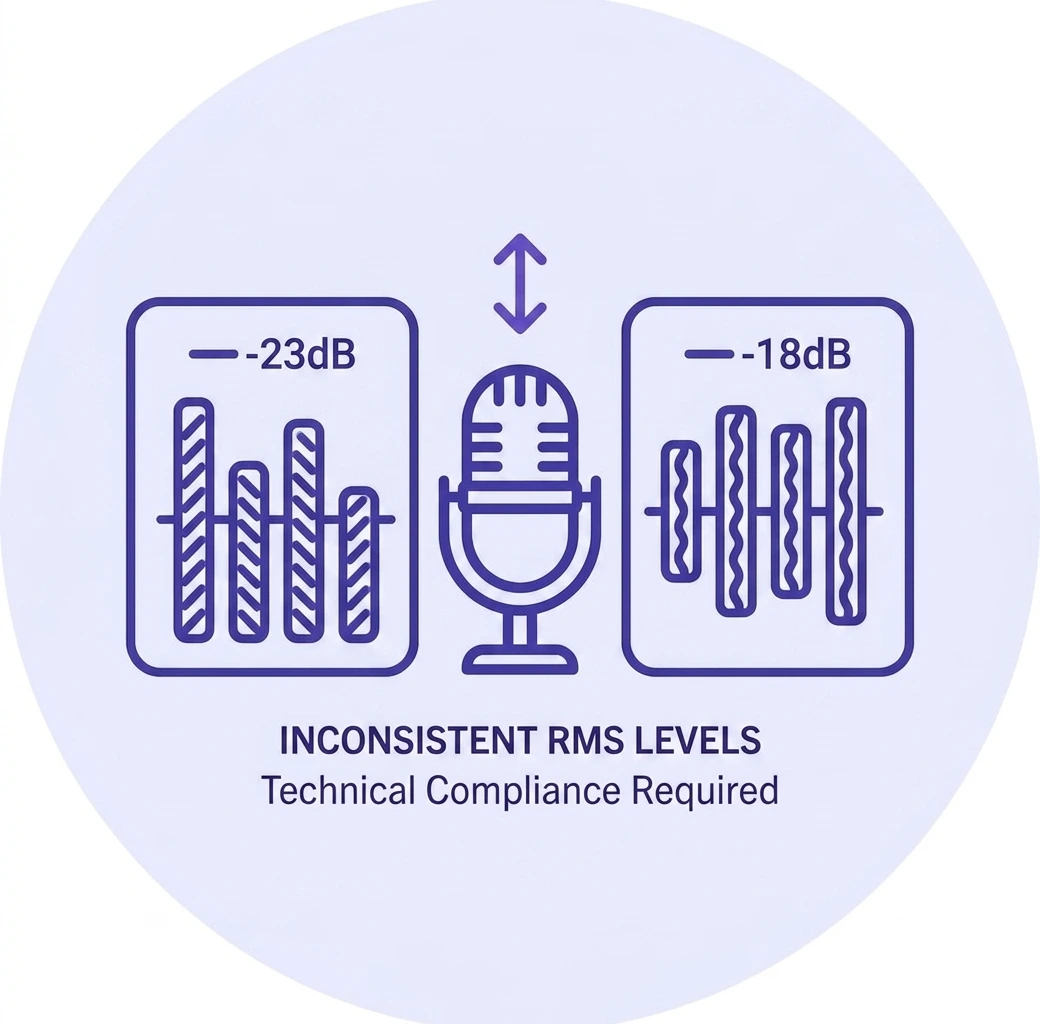
1. Inconsistent RMS Levels
The Technicality: ACX requires all files to measure between -23dB and -18dB RMS. The Problem: RMS is the "average" loudness of your audio. If your chapters vary in volume—some too quiet and some too loud—the listener has to constantly adjust their volume. Audible will flag this immediately for lack of consistency.
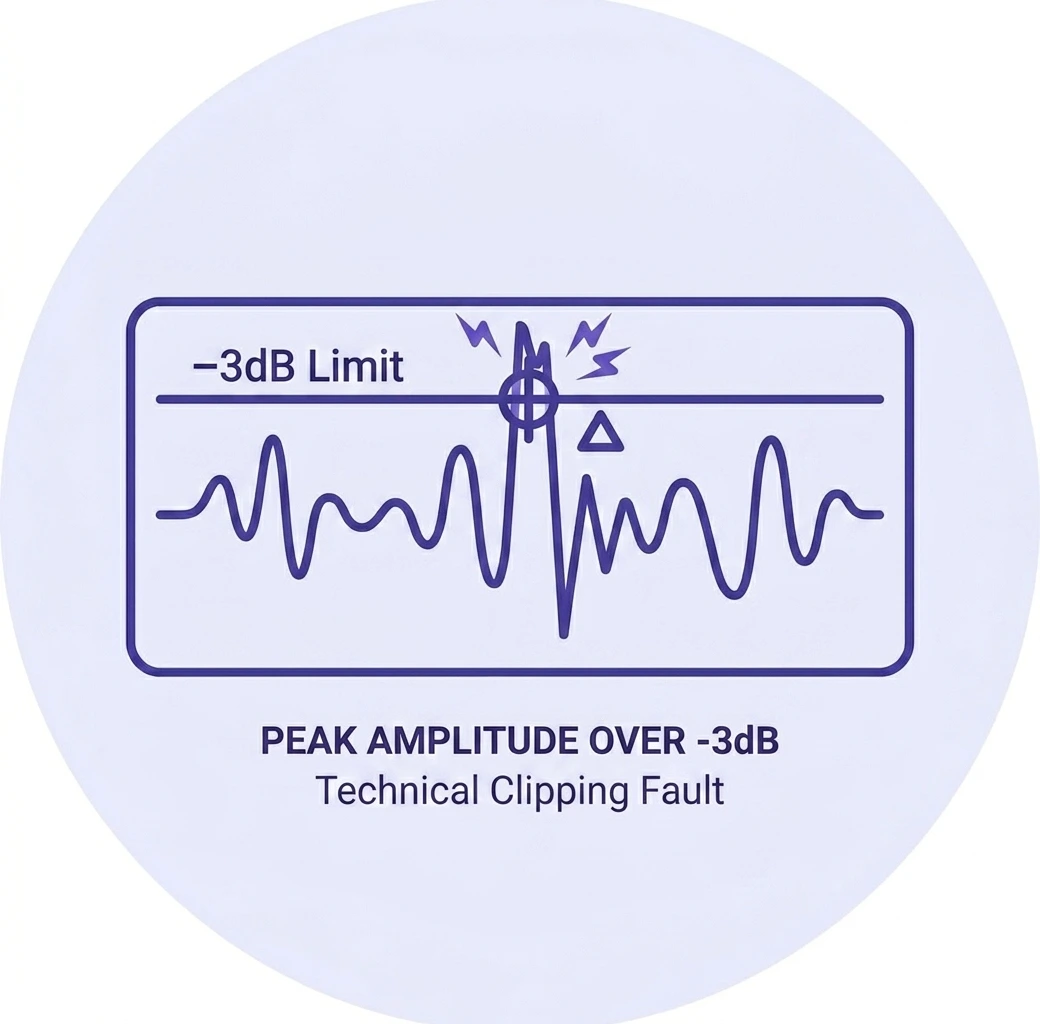
2. Peak Amplitude Over -3dB
The Technicality: Every file must have a peak amplitude no higher than -3.0dB. The Problem: If your audio hits "0dB," it causes digital clipping—a harsh, distorted sound that is physically painful for listeners using headphones. We use professional limiters to ensure your peaks stay exactly where they need to be while maintaining natural dynamics.

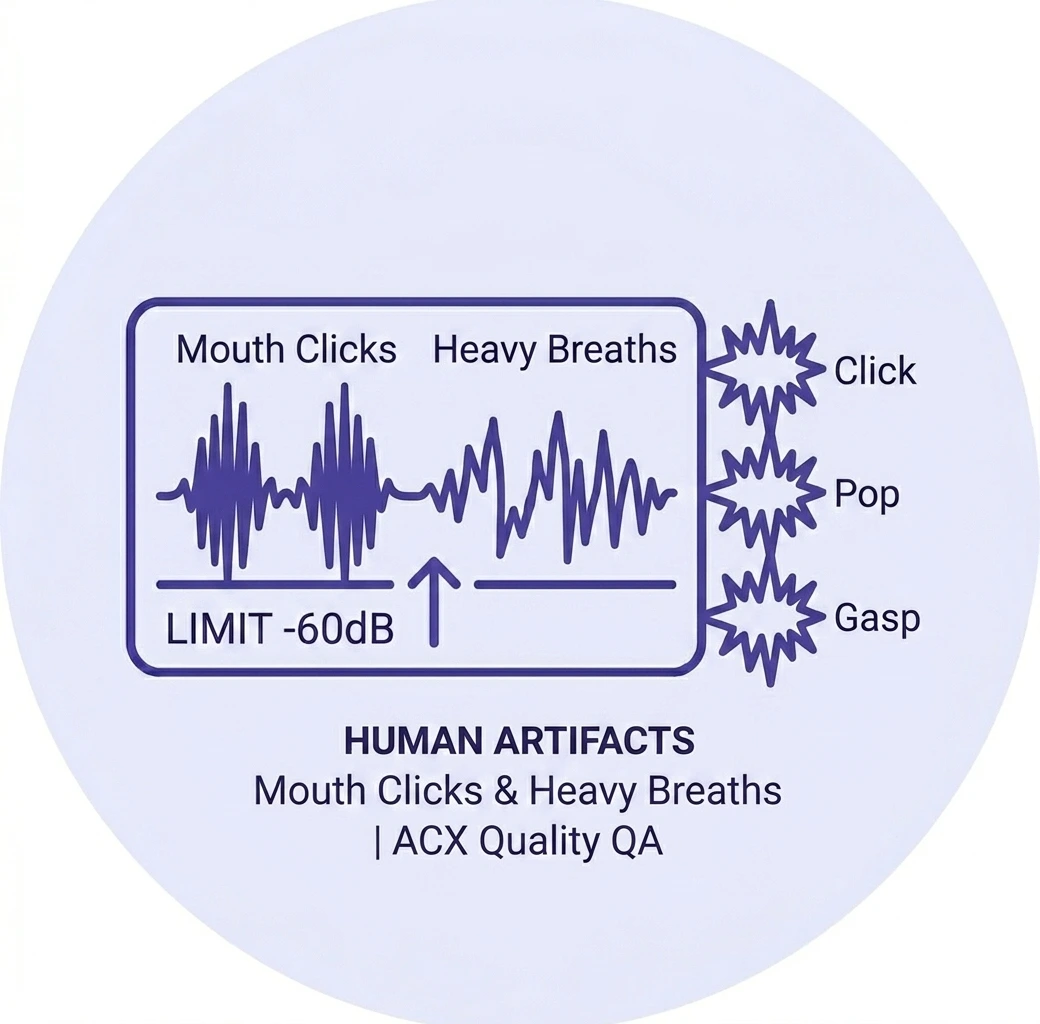
3. Excessive Noise Floor (Hiss & Hum)
The Technicality: Your noise floor must be no higher than -60dB. The Problem: The "noise floor" is the sound of your room when you aren't speaking. Background hiss from a computer fan or a low hum from a refrigerator can ruin an otherwise perfect recording. If the silence between your words isn't "dead quiet," it won't pass the ACX automated check.
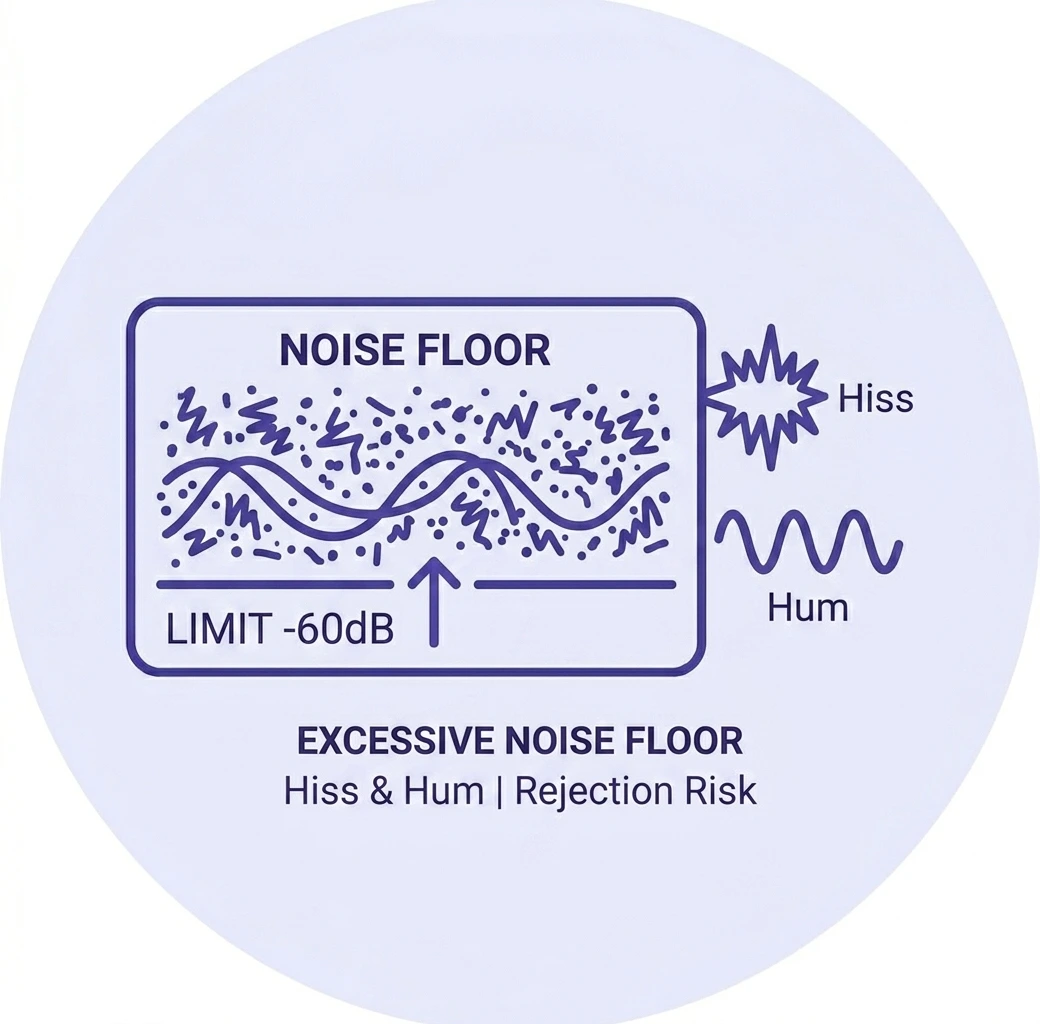
Chapter 4. Human Artifacts (Mouth Clicks & Heavy Breaths)
The Problem: While not always a "hard" technical rejection like RMS, excessive mouth clicks, loud tongue smacks, and gasping breaths are the #1 reason for Quality Assurance (QA) rejections. Audible wants a "transparent" listening experience. Surgical editing is required to remove these "human artifacts" without making the speech sound robotic.
5. Incorrect File Formatting & Spacing
The Technicality: Each file must contain 0.5 to 1 second of room tone at the head and 1 to 5 seconds at the tail. The Problem: Many authors forget the "Header and Footer" silence requirements or fail to export their files as 192kbps or higher MP3s at a constant bitrate of 44.1kHz. If your spacing is off, the automated system will reject the file instantly.
Don't Risk Your Launch Date
Navigating these technical requirements can be overwhelming for authors. That is why we offer dedicated audiobook editing services specifically designed to bypass these hurdles.
At AudioFormat, we provide:
Surgical noise reduction using iZotope RX.
ACX-compliant mastering for perfect RMS and Peak levels.
Full quality control checks to ensure 100% acceptance.